
Walk in, pay, play.
Put a tablet or a touch screen by the door. Guests pick a room and how long they want to play, pay by card and the PC starts on its own. Members tap their card and top up. Your staff keep pouring drinks.
A second cashier that never takes a break.
The busiest moment of the night is the queue at the desk. The kiosk takes it away.
No queue on Friday night
Guests start playing while your staff handle the bar and the regulars.
Sales while the desk is busy
Nobody walks out because they waited ten minutes to pay for an hour.
Open longer with fewer staff
Late nights and early mornings run with one person, not two.
Three taps from the door to the game.
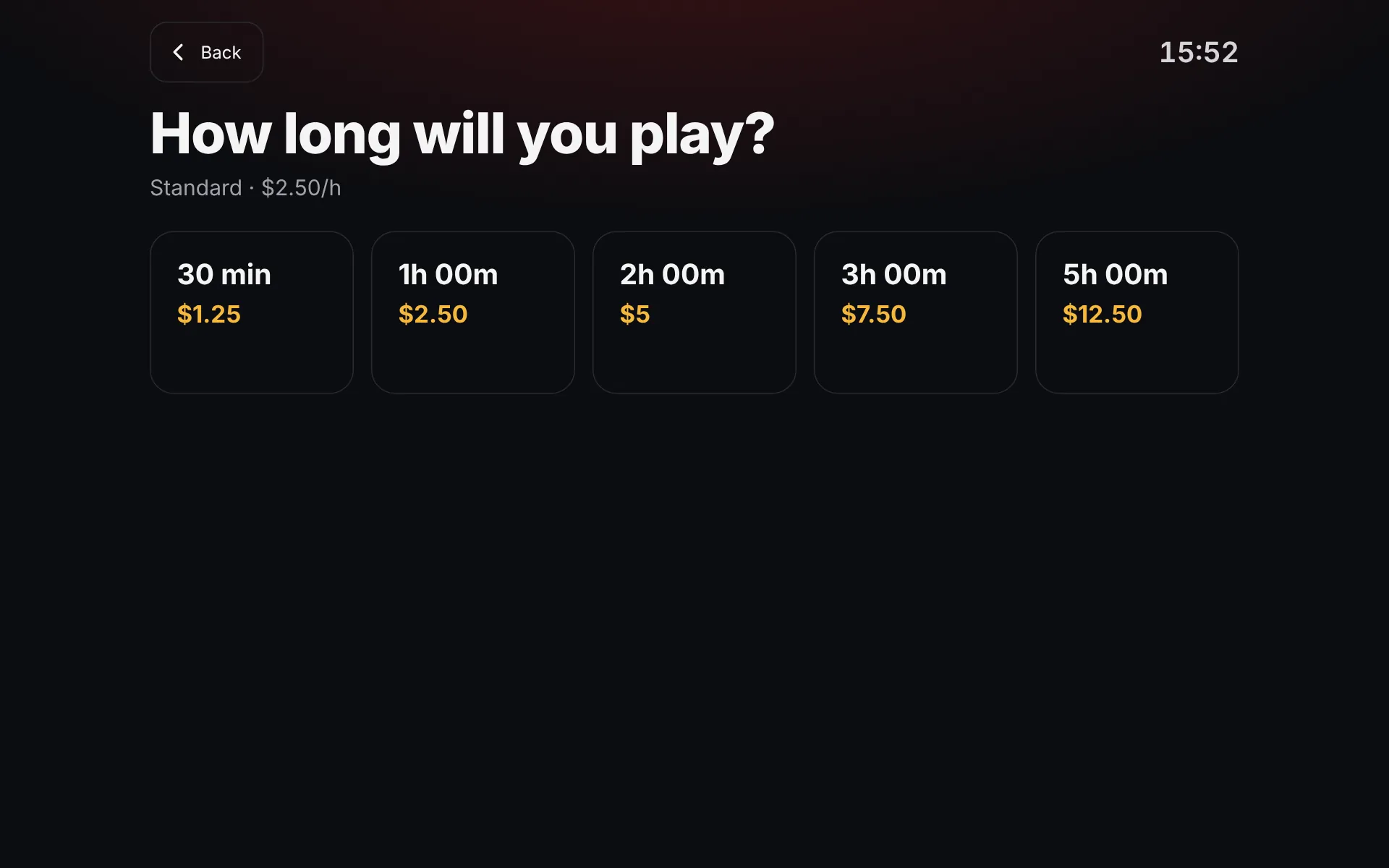
The welcome screen shows how many PCs are free in every room. A guest picks a room, picks the time and sees the price, all with your current prices and happy hours. After payment the screen shows the PC number and that PC is already unlocked.
- Free PCs per room, live
- Your zone prices, packages and time of day pricing
- The PC starts on its own after payment
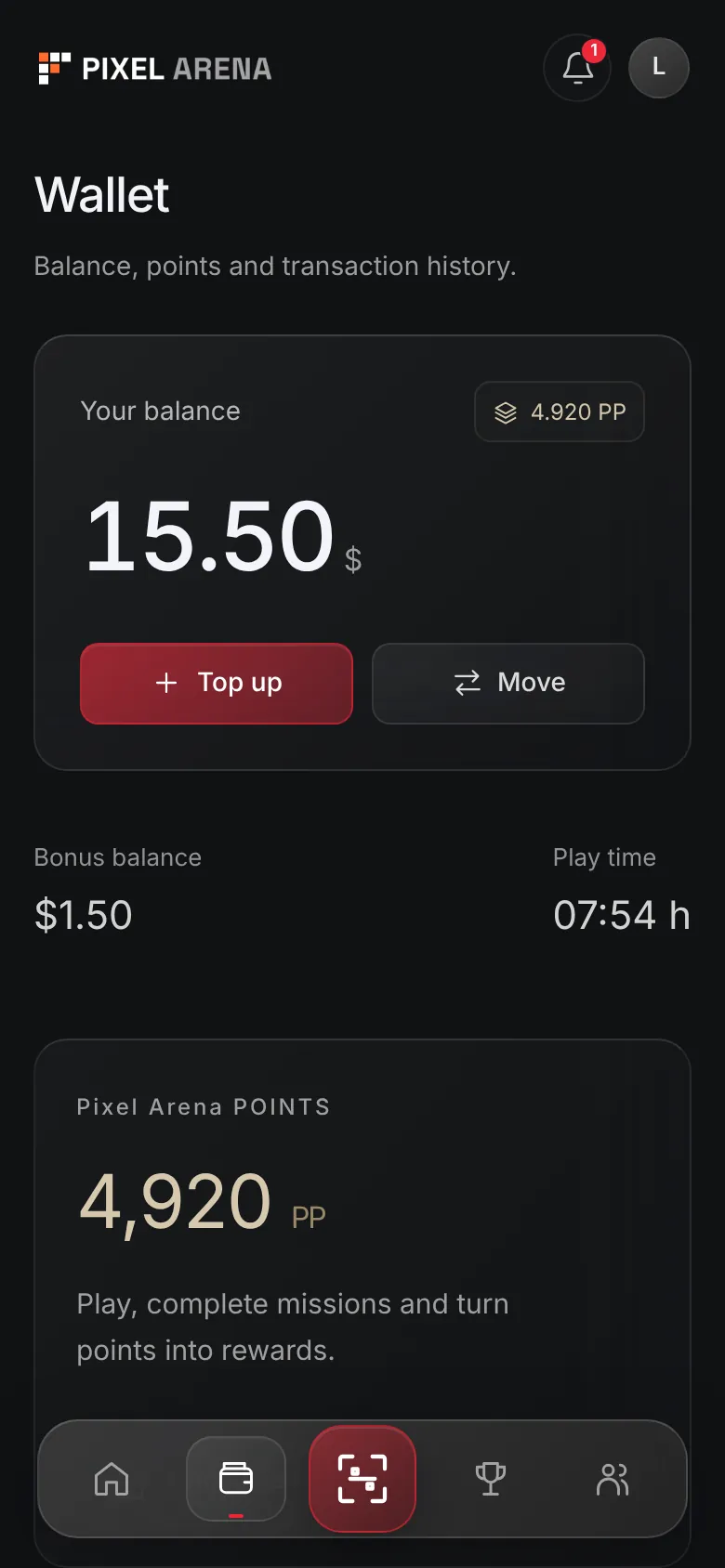
- Members sign in and top up their balance
Card payments, wherever players are.
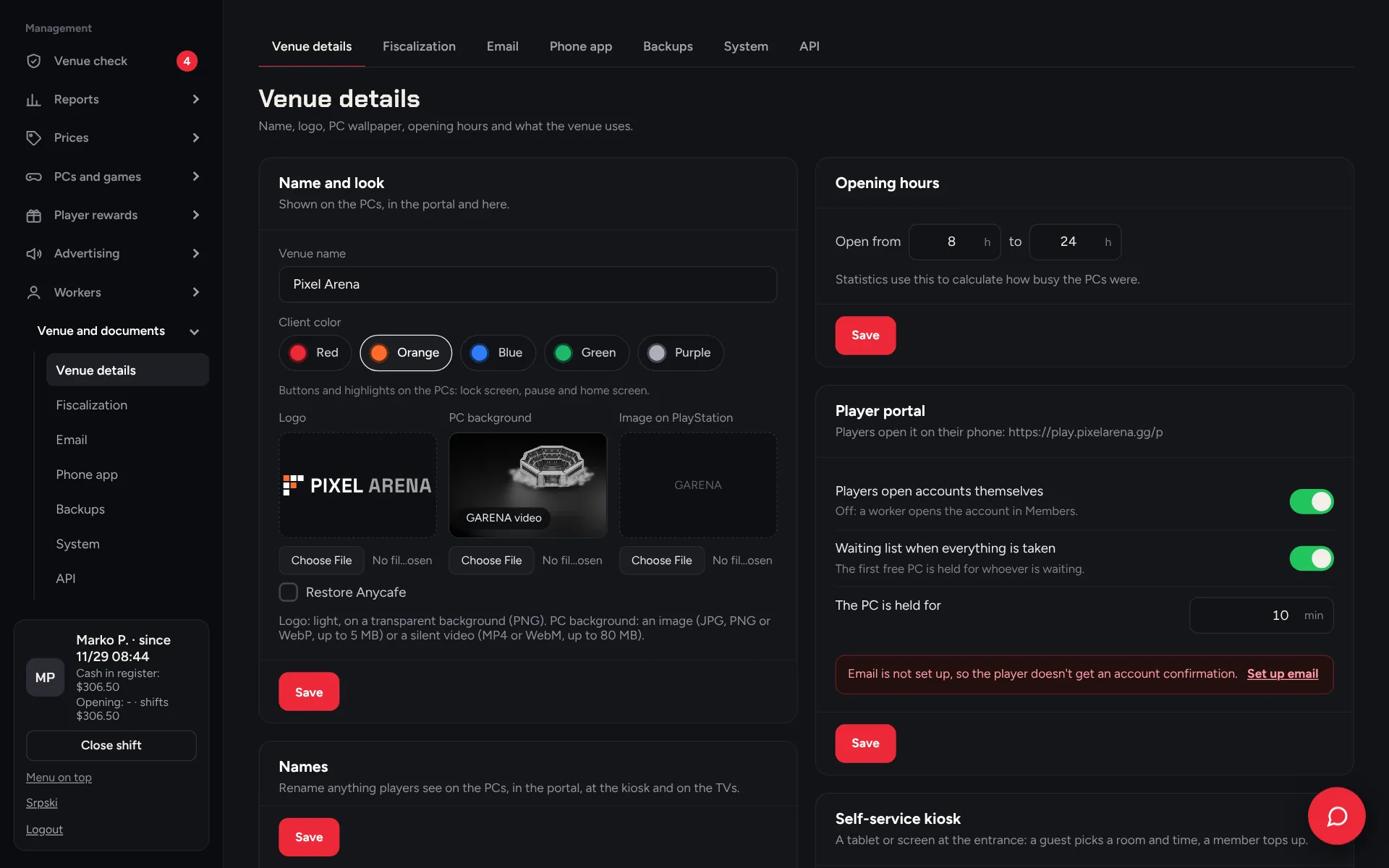
Take card payments at the kiosk, in the player portal and on the PC itself, where a QR code opens the payment on the player’s phone. Stripe, Monri and WSPay are built in, and paying at the counter is always an option.
- Top ups from home in the player portal
- A QR code on the PC for card top ups mid session
- Offered amounts and a minimum top up you choose
- Every payment tied to the member and the PC
Set it up in a minute.
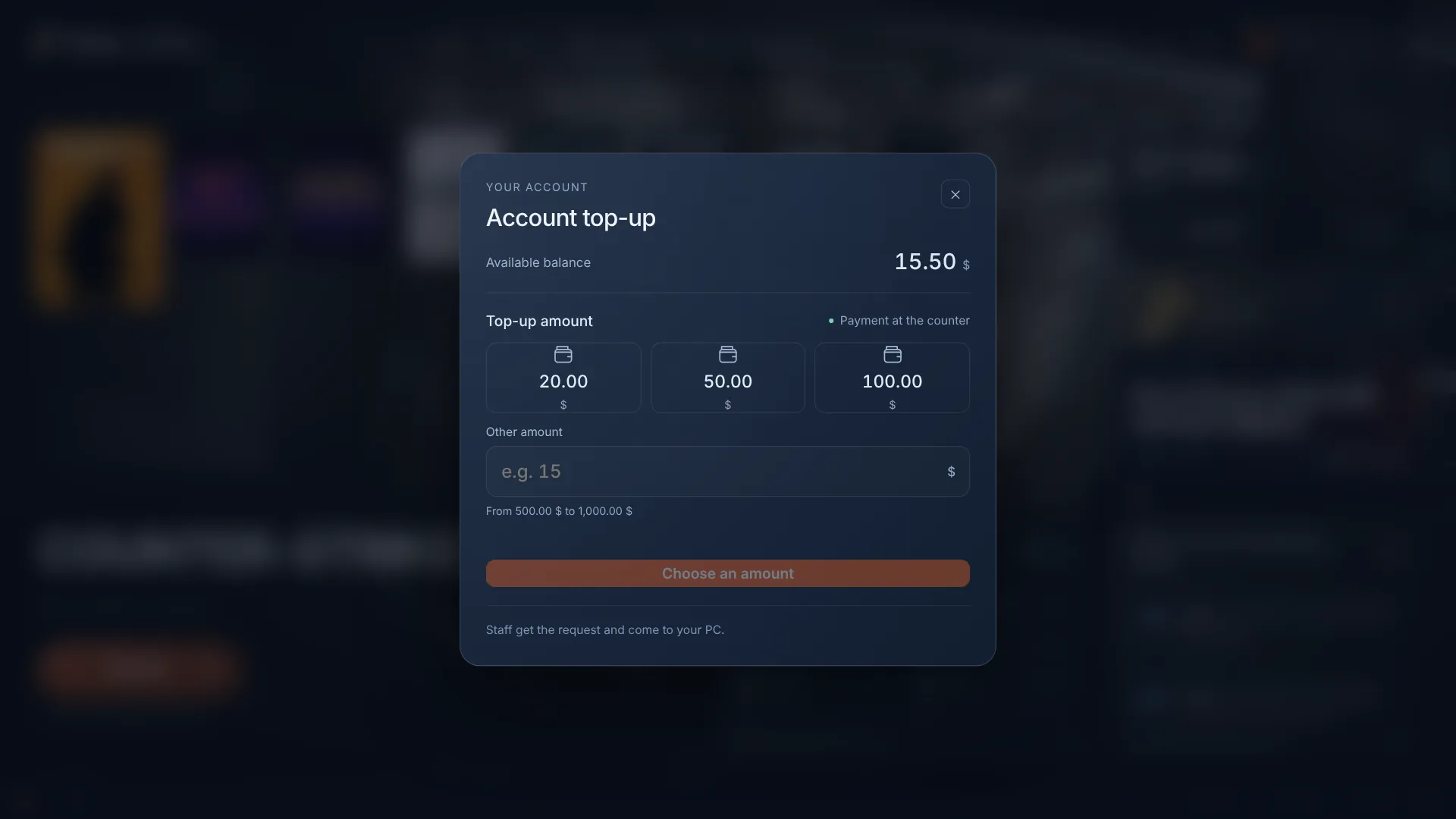
Add a kiosk in settings, give it a name and open its link on the tablet. It stays paired until you revoke it, and you can run as many kiosks as you have doors.
- One link per kiosk, no app to install
- Revoke or replace a kiosk any time
- Works with your card terminal at the counter too
Tap a card, sit down, play.
Give regulars an RFID or NFC card or key fob with your logo on it. It signs them in on any PC and at the kiosk, and opens their profile when staff tap it at the desk.
Card sign in on every PC
No typing, no phone needed. One tap and the session starts on their balance.
Card sign in at the kiosk
Members tap, top up and walk to their seat.
Instant member lookup
Staff tap a card at the desk and the member profile opens.
Top ups that never touch the desk.
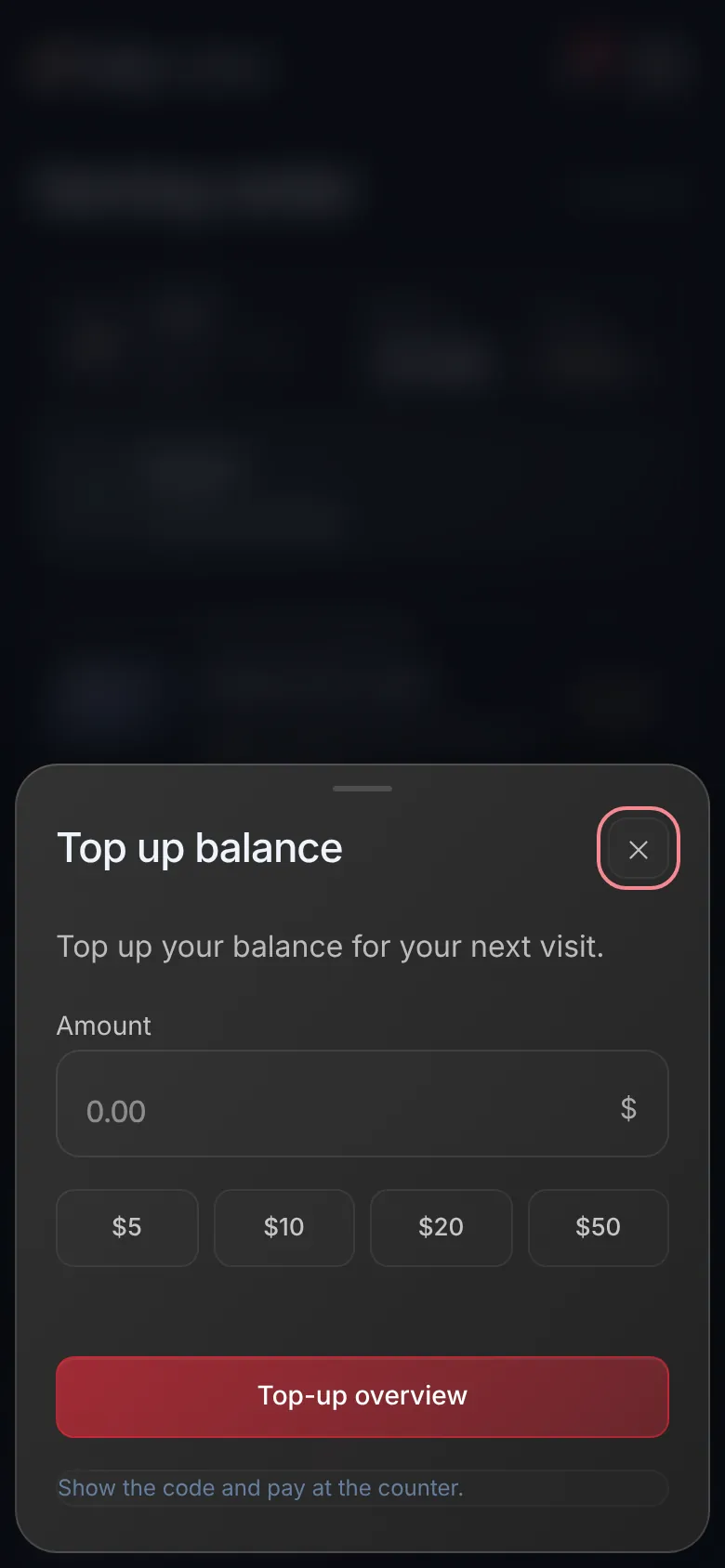
Players top up from the player portal on their way over, with amounts you offer and a minimum you set. The balance is waiting when they sit down.
Kiosk and payment questions
What hardware do I need for the kiosk?
Any tablet or touch screen with a web browser. Add a kiosk in settings, open its link on the device once and it stays paired.
Which card payment providers work?
Stripe, Monri and WSPay are built in, and players can always choose to pay at the counter instead. The payment module is built so more providers can be added.
Can guests play without an account?
Yes. A guest picks a room and how long to play, pays, and the PC starts as a guest session. No sign up needed.
Can members top up at the kiosk?
Yes. Members sign in with their username and password or by tapping their card, then top up by card.
What if a card payment fails?
No PC starts until the payment provider confirms the payment. If it fails, the guest sees it and nothing is charged for time.
Do RFID and NFC cards work?
Yes. Members can sign in on the PCs and at the kiosk with an RFID or NFC card or key fob, and staff can tap a card at the desk to open the member’s profile.
Let the door sell your hours.
Book a demo and we will run a guest through the kiosk with your rooms and prices.